Create Multiple Invoices using Bulk Upload
You can also create multiple invoices at once by calling the Bulk Upload Invoices. You can download the sample bulk invoice file here.
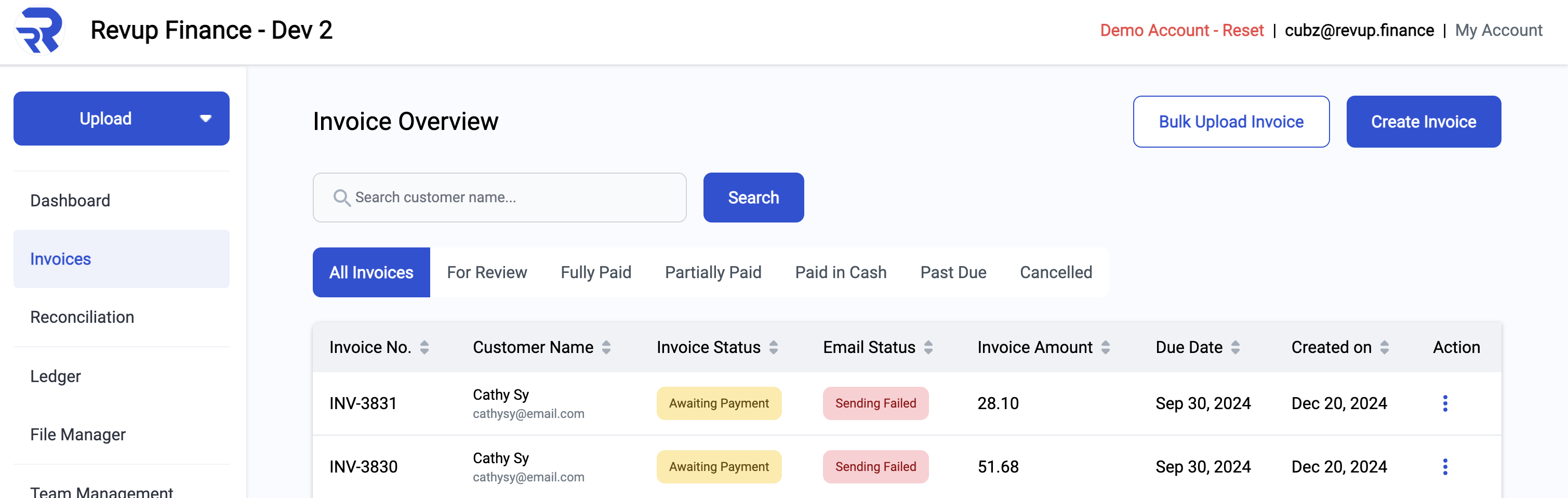
In the RevUp Finance portal, you can find the Bulk Upload Invoices button in the top right corner.

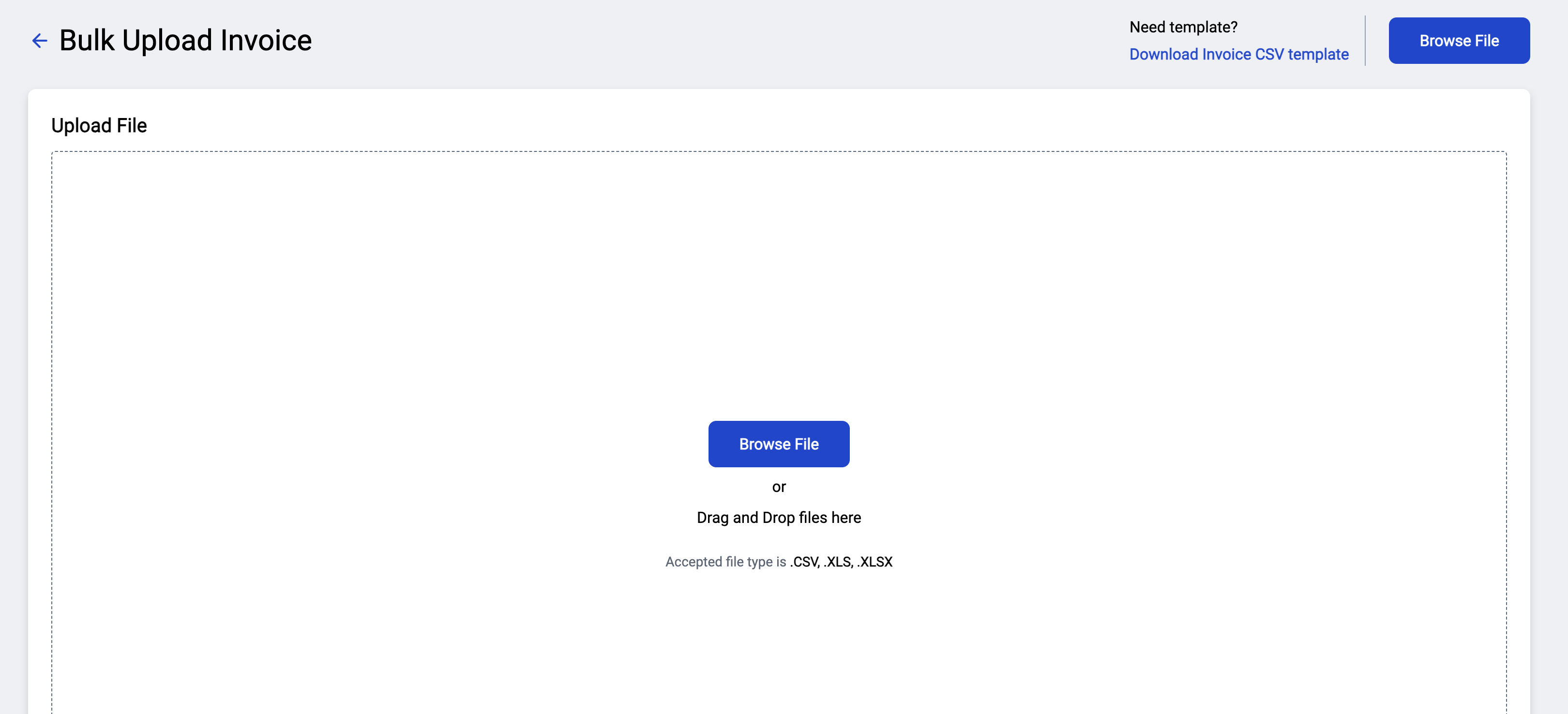
Then, select browse file and upload the sample bulk invoice file.
Once Uploaded, you will see a preview of the invoices that will be created.
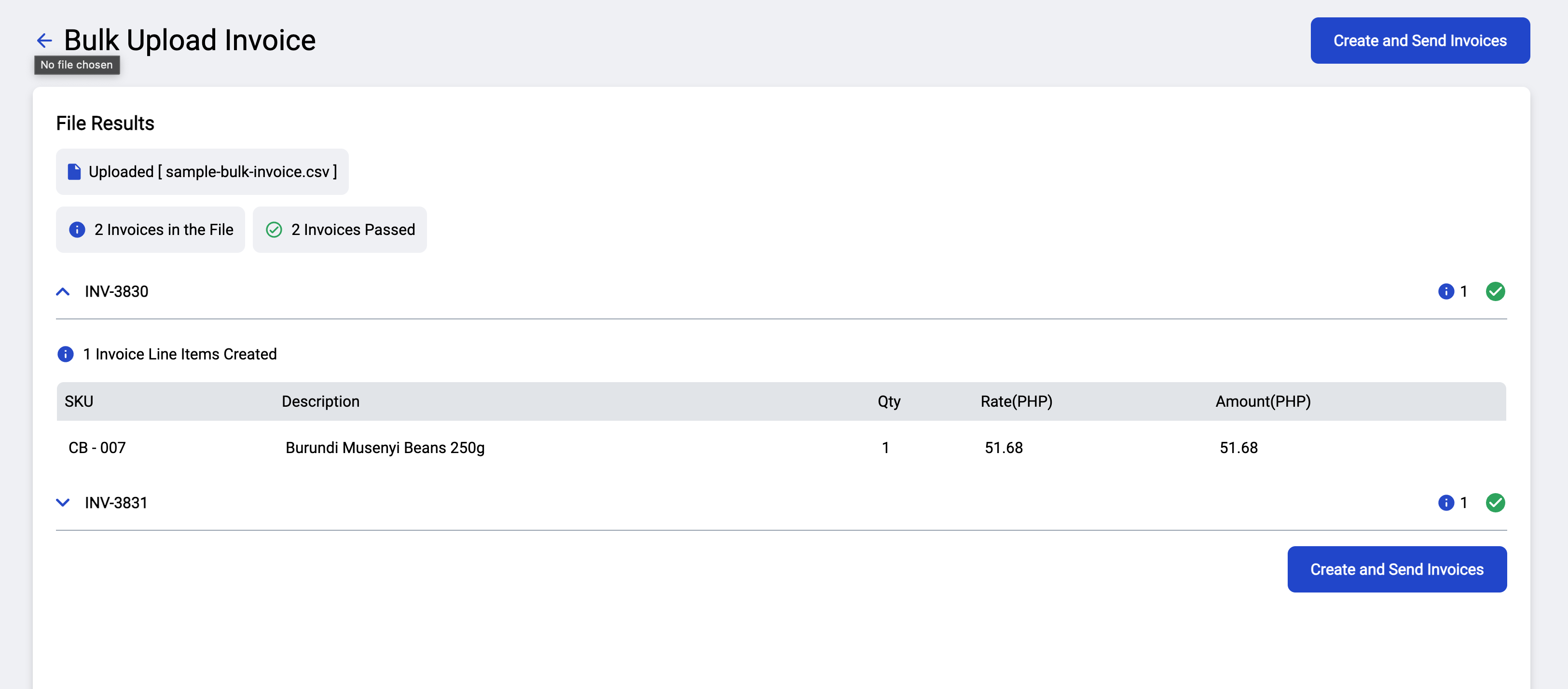
You can then click the Upload button to confirm the upload. And it will now show in the Invoices page in your RevUp Finance account.